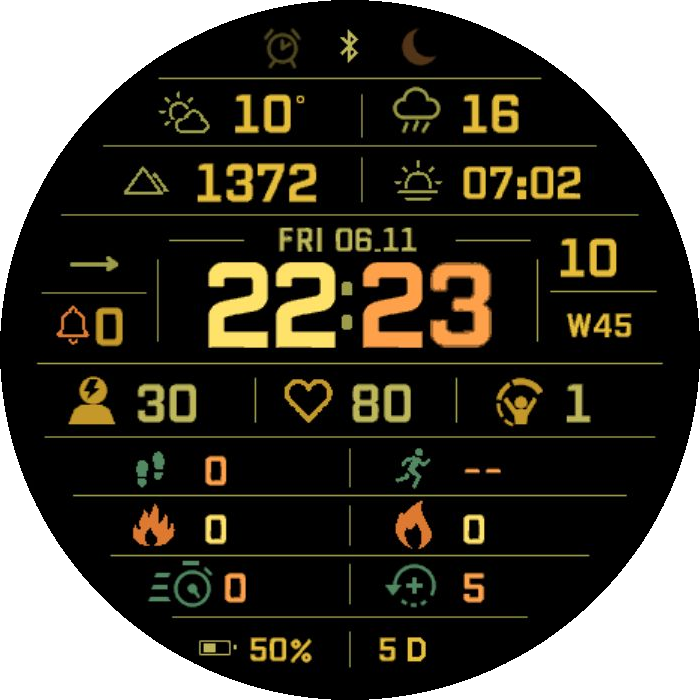
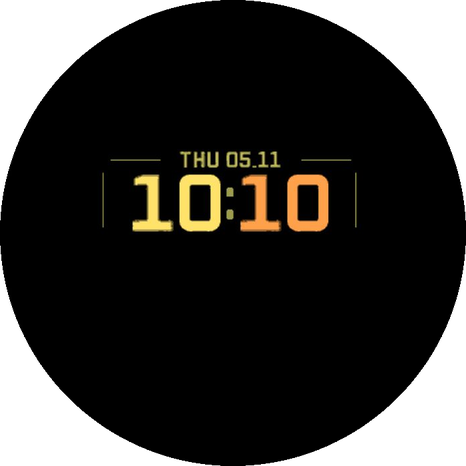
Lumetrix brings an instrument panel look to your Garmin watch: bold digital time, precise dividers and a detailed dashboard on a black AMOLED background.
Make It Yours
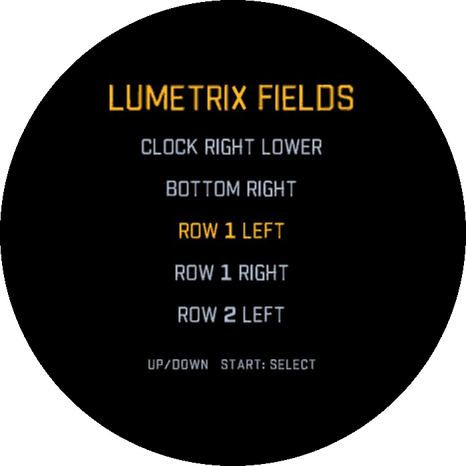
• 19 independently configurable data field positions.
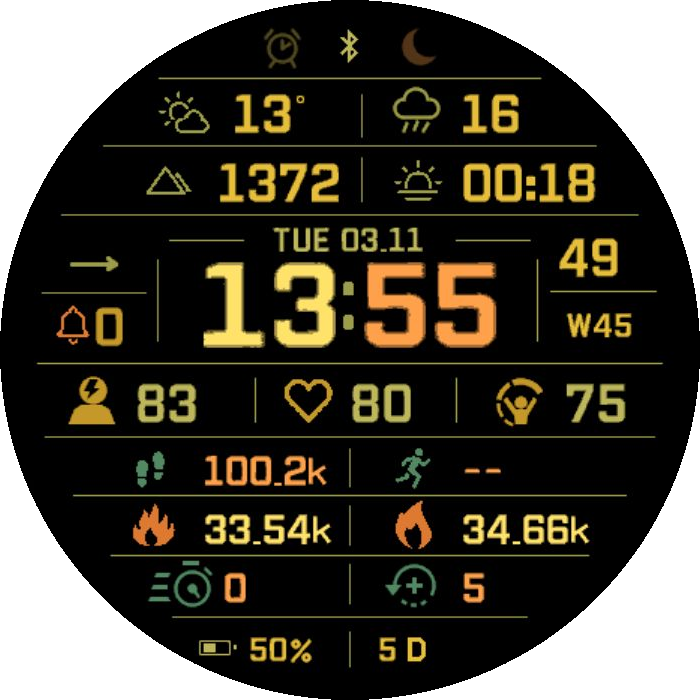
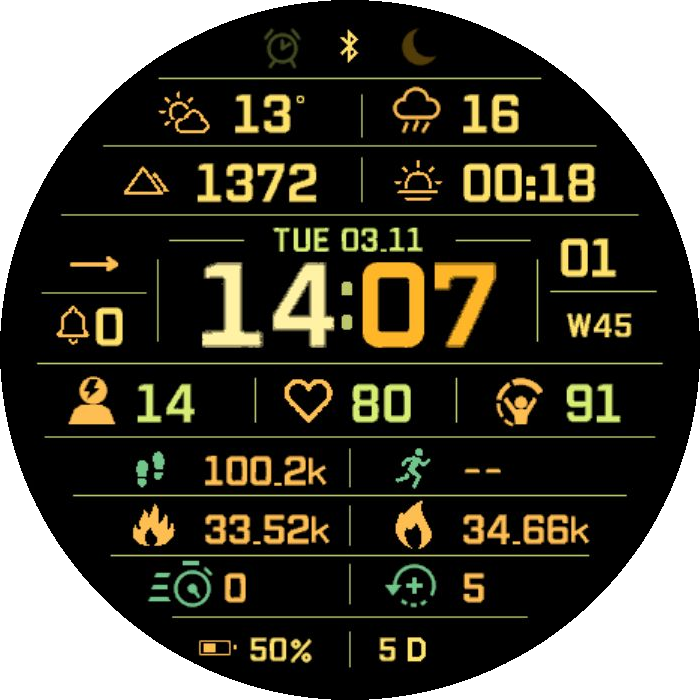
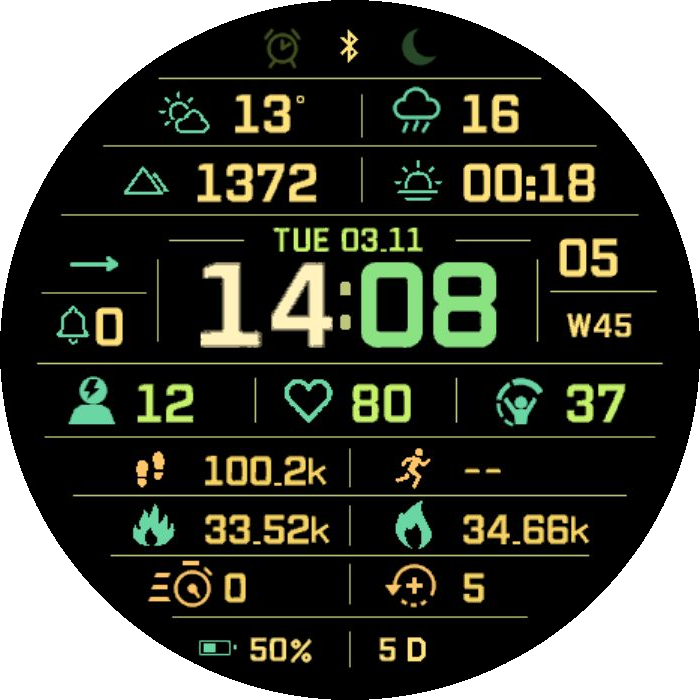
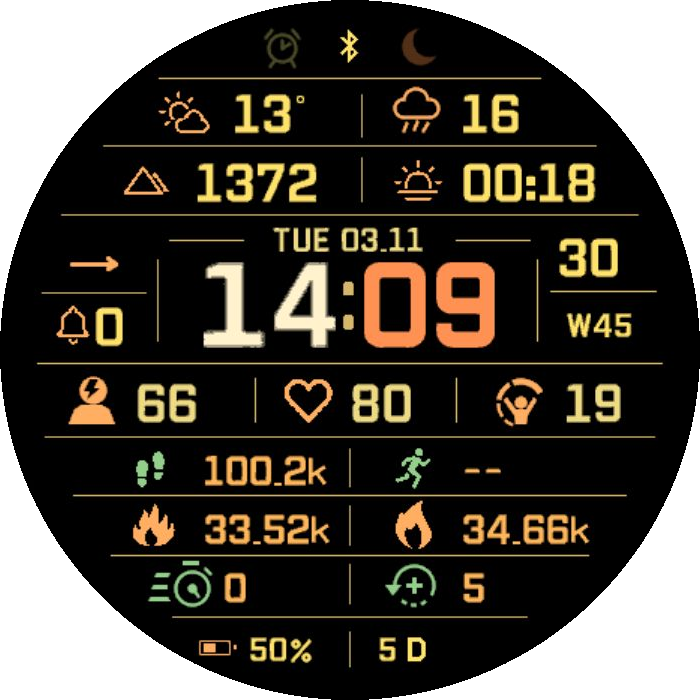
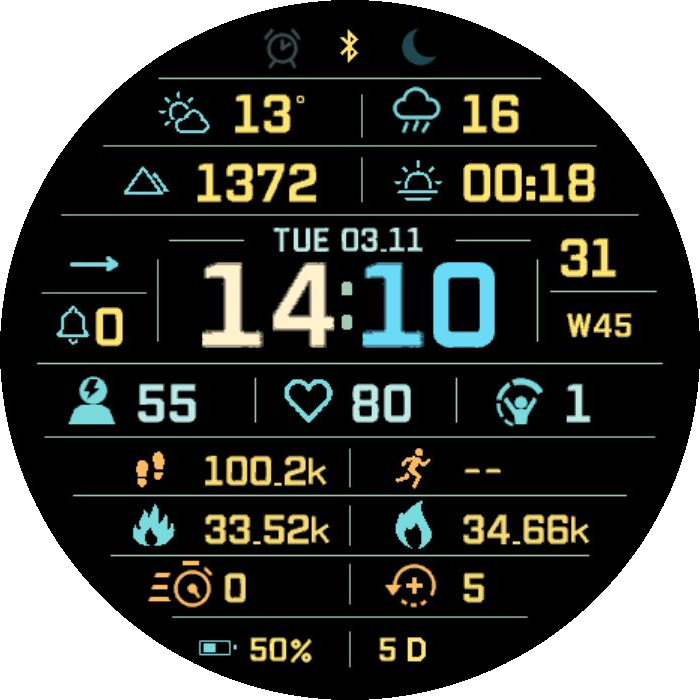
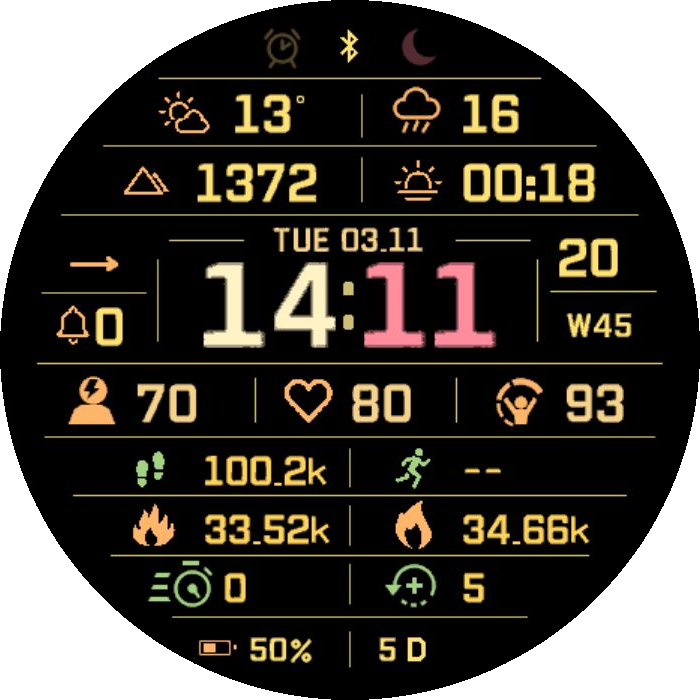
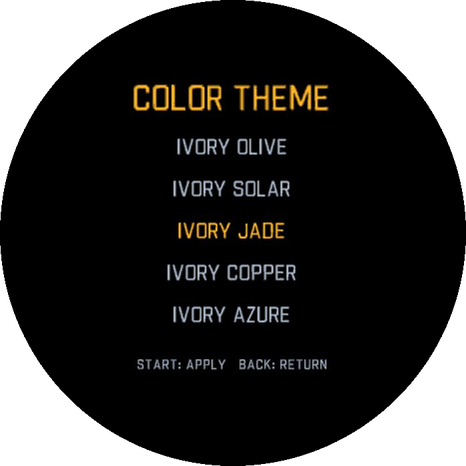
• Six themes: Lumetrix Olive, Solar, Jade, Copper, Azure and Rose.
• Separate HEX colors for values, icons, time, date and dividers.
• Theme changes synchronize HEX and palette JSON; manual HEX edits or JSON imports select Custom. Reopen phone settings after synchronization to refresh displayed values.
• Custom date formats and on-watch field and theme selection.
Your Day At A Glance
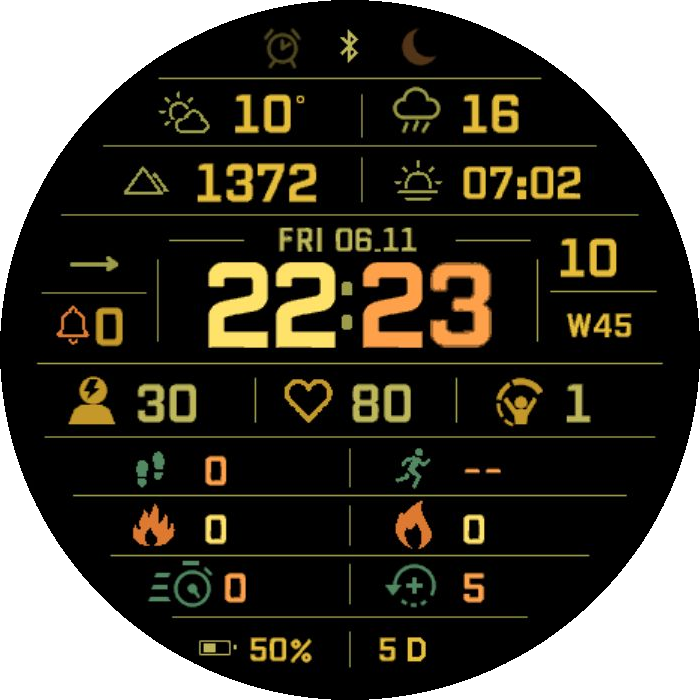
Heart rate, resting heart rate, stress, Body Battery, steps, intensity minutes, recovery time, calories, monthly running distance, weather, precipitation chance, altitude, pressure trend, notifications and more. Availability depends on data supplied by your watch.
• Time follows the watch's 12/24-hour setting.
• Next sunrise or sunset with an event indicator.
• Battery percentage and estimated whole days remaining.
• Matching Always On Display with minute-by-minute position shifting.
Color Json And Backup
Choose a theme or paste a palette JSON in phone settings. Customize your colors: copy the JSON and a watch-face screenshot into your favorite AI, describe your preferred palette, then paste its resulting JSON back into settings.
Download palette examples and see screenshots: https://mihail.stacanov.email/apps/lumetrix/
Full settings backup: copy the backup JSON to save fields, colors, theme and date format. To restore, paste it, enable Restore full backup and Save. Licenses are excluded. Updates of the same installation preserve existing preferences; Beta and public apps are separate installations.
Trial And Payment
Buy before the trial ends from watch face settings / License / Purchase. View the code there and enter it at https://kzl.io/code. BACK returns to the settings menu; another BACK returns to the face. Your remaining trial continues if you leave without buying. An expired trial does not restart.
Keep the watch connected to your phone with internet access and Garmin Connect available. Background checks run at five-minute intervals, so a code or unlock may require waiting for the next check. A pending request does not replace the normal face during an active trial.
Restore an existing purchase at https://kzl.io/unlock using the current watch code and your purchase email. Do not buy again.
Data And Support
Active calories are estimated from total calories and elapsed resting energy and may differ from Garmin's native value. Monthly running distance uses available watch activity history and may omit records. Weather and sun fields need available weather, location or native complication data. Missing values show dashes. Battery days are an estimate.
For payment troubleshooting, open Diagnostics in watch face settings: UP/DOWN changes pages; START refreshes; BACK returns. Logs exclude tokens, payment codes and metric values.
See Compatible Devices for supported watches.
Support: mihail@stacanov.email
Privacy: https://mihail.stacanov.email/privacy/lumetrix/
Choose your palette
On your watch
Lumetrix Privacy Policy
Privacy Policy for Lumetrix, a Garmin Connect IQ watch face developed by Mihail Stacanov. Effective November 6, 2026.
Watch data and settings
Lumetrix reads supported health, activity, weather and device information to display the metrics you select. This may include heart rate, stress, Body Battery, steps, calories, activity history, weather, sun events and battery estimates. These readings and your watch face settings are processed on your watch. The developer does not receive your health readings or activity history and does not operate a server to collect them.
Weather and location-related values are supplied through Garmin services and supported watch APIs. Garmin's handling of your account and device data is governed by Garmin's Connect IQ Privacy Policy.
Trial, payment and licensing
Lumetrix uses KiezelPay to manage its seven-day trial and one-time purchase. The licensing library sends an installation or device-derived identifier, the product identifier, purchase code and licensing status requests to KiezelPay. Internet requests use your phone connection where supported. KiezelPay also receives network information ordinarily associated with those requests, such as the IP address.
If you purchase or restore a license on KiezelPay's website, KiezelPay and its payment providers process your purchase email and payment information. The watch face does not receive your card details. The developer may see purchase and licensing information in the merchant dashboard. See KiezelPay's Privacy Policy for its processing and retention practices.
Health readings and activity history are not included in Lumetrix's licensing requests.
Payment diagnostics
The watch face keeps a bounded local payment event journal for troubleshooting. It records request timing, response status and whether a code or license is present, without recording actual payment codes, account tokens, email addresses or health metric values. You can disable logging in settings. The journal can be viewed on the watch and exported to Connect IQ settings. The developer receives it only if you choose to send it to support.
Storage and retention
Settings, metric-related caches and licensing state are stored locally on the watch. Removing the watch face removes its local application data according to Garmin's platform behavior. Uninstalling does not itself erase purchase records held by KiezelPay or its payment providers.
Your choices and requests
You can change the displayed metrics and colors in watch face settings. You can stop local processing by uninstalling the watch face. Contact the developer about privacy or purchase information available to the developer. Requests concerning information held by Garmin, KiezelPay or a payment provider should also be addressed to that service.
Contact
Mihail Stacanov
mihail@stacanov.email
Changes to this policy will be posted on this page with an updated effective date.